
Cell Signal Strength App for Android
See your phone's real signal, not just bars. Cell Surveys records measured RSRP, RSRQ, and SINR with the cell's PCI and ID at every GPS point, and maps it as a live heatmap. Free, with no ads.

On iPhone? See the iPhone app.
What It Does on Android
A signal strength meter that remembers: every reading measured, located, and mapped.
Live signal readings
The current RSRP, RSRQ, and SINR on screen as you move, the way a signal strength meter shows them, with every reading saved to the map.
Signal heatmap
Every reading becomes a colored square, green where the signal is strong and red where it is weak, so dead spots and weak rooms stand out. A stretch with no service at all shows as a gap.
Both SIMs at once
On a dual-SIM phone the app records the networks of both SIMs at the same time, so one walk or drive compares two carriers.
Records in the background
With location access set to Allow all the time, the app logs your signal as you go about your day and on every drive.
Wi-Fi and other sensors
Scan every visible Wi-Fi network, and survey Bluetooth LE, the magnetic field, and barometric pressure alongside the cellular signal.
Replay and export
Every survey is kept in an archive you can filter and replay point by point, export as CSV or a ZIP of the session, and back up to Google Drive if you like.
Turn on Everyone's coverage in Settings to see your carrier's average signal from all users over the last 30 days. Cell Surveys Pro adds parcels and mileage and trips.
What It Records
The values your phone reports, at every GPS point. No extra hardware.
Every reading
- Serving cell RSRP, RSRQ, and SINR
- PCI and cell ID (ECI for LTE, NCI for 5G NR)
- TAC, MCC and MNC, and network technology
- EARFCN on LTE
- GPS position and altitude with a timestamp
- Barometric pressure, and the floor when on a parcel
Also in a survey you start
- Neighbor cells as well as the serving cell, across 5G NR, LTE, WCDMA, and GSM
- NR-ARFCN, UARFCN, and ARFCN alongside EARFCN
- 5G NR SS-RSRP, SS-RSRQ, and SS-SINR
- Timing advance, CQI, and LTE channel bandwidth
- GPS accuracy, speed, and bearing
Planning or verifying a small cell? Small cell baselines with the app.
The Android App
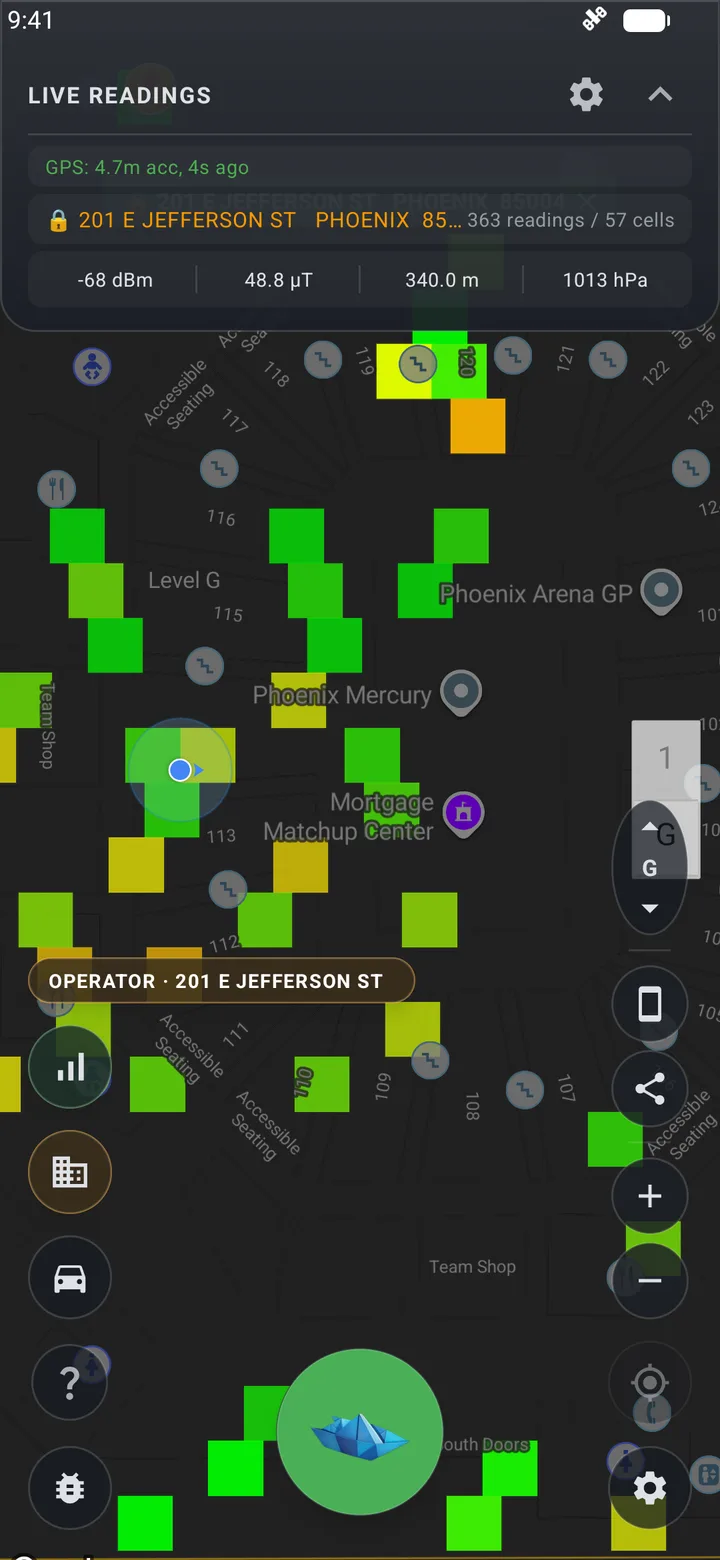
Live readings and heatmap 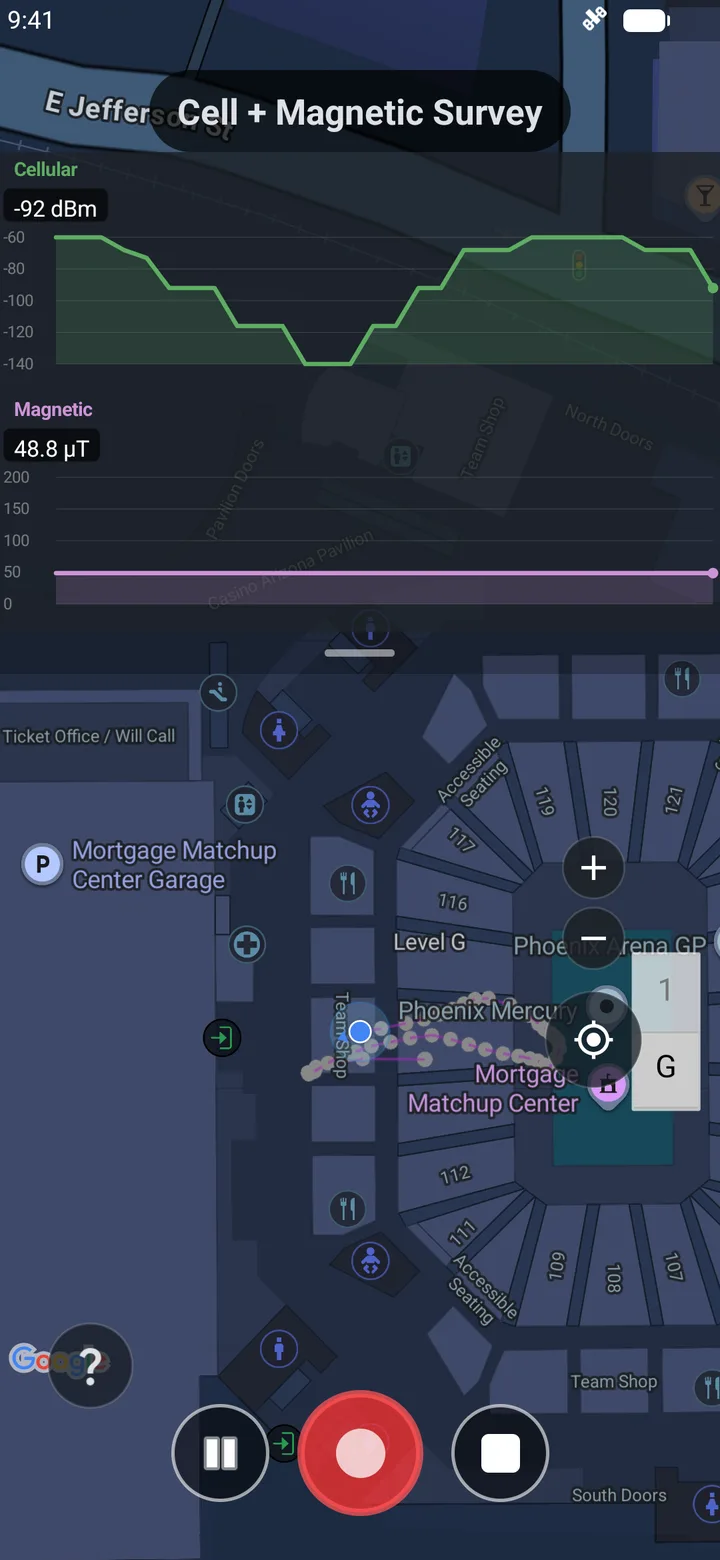
A live survey 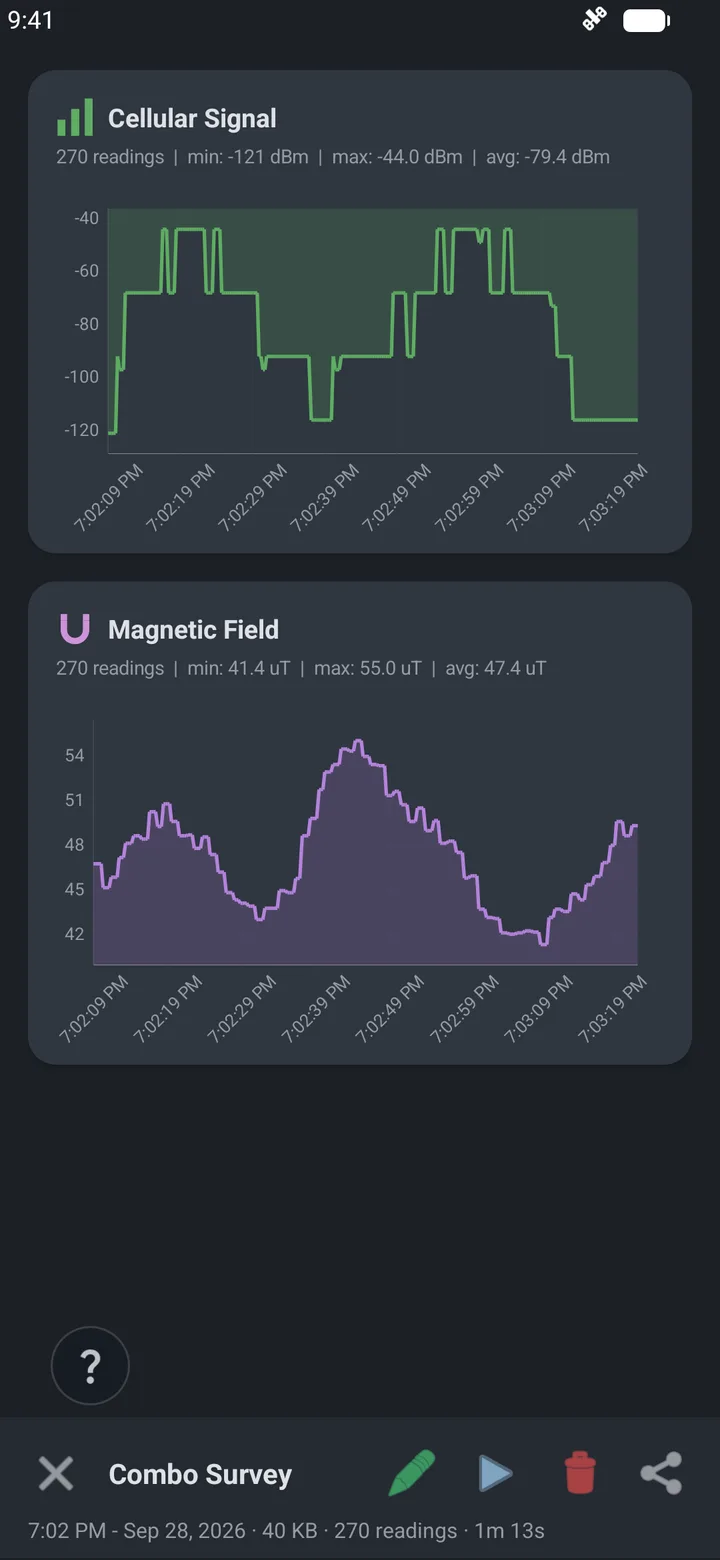
Survey detail 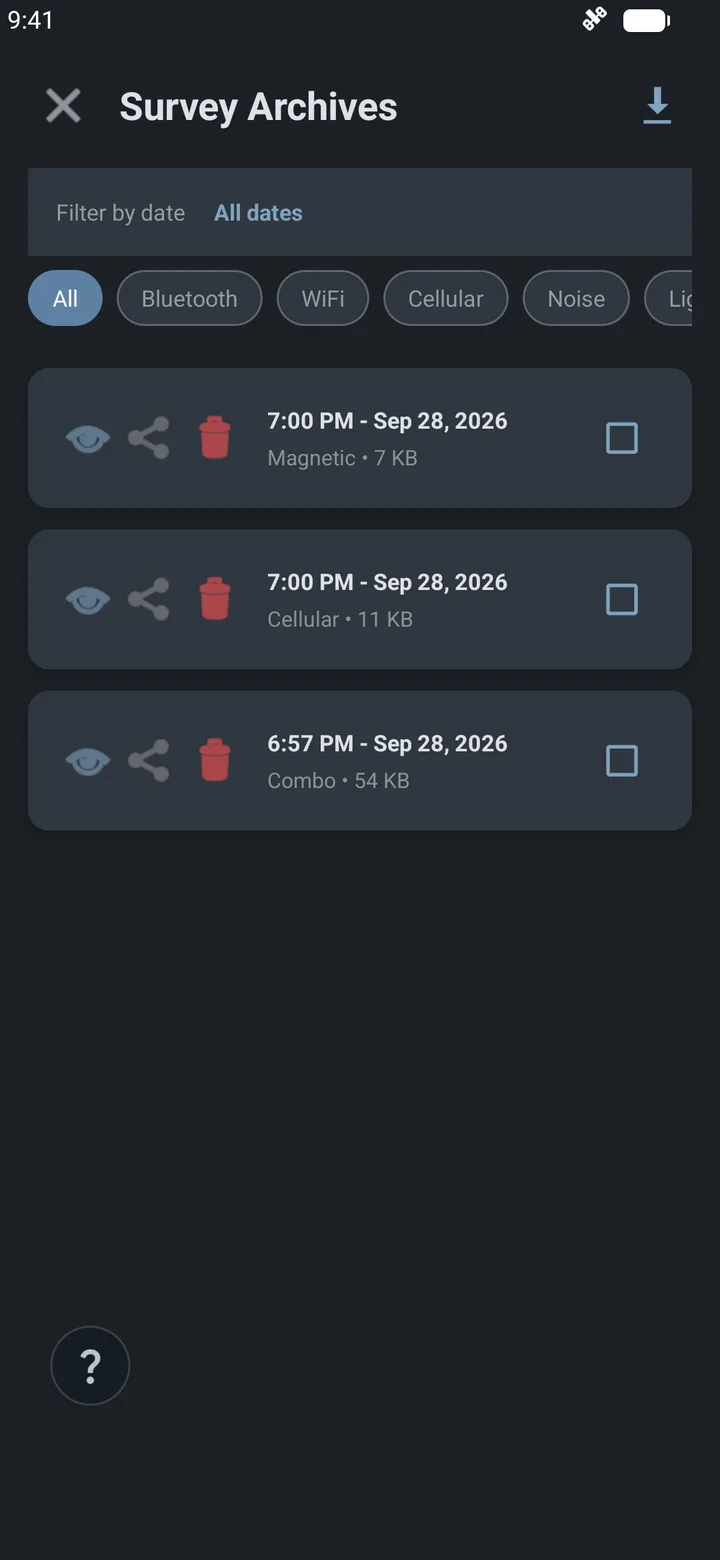
Survey archives
What the Numbers Mean
RSRP is signal strength on LTE and 5G. The closer to zero, the stronger.
| RSRP | Rating |
|---|---|
| Better than −80 dBm | Strong |
| −80 to −90 dBm | Good |
| −90 to −100 dBm | Fair |
| −100 to −110 dBm | Poor |
| Below −110 dBm | No usable service |
Check it without an app
Most Android phones show the current figure under Settings → About phone → Status (or SIM status), as Signal strength in dBm; on Samsung phones it is under About phone → Status information → SIM card status. It is one value at one moment, with no history and no map. RSRQ, SINR, and how to take a useful reading.
Get Started in Three Steps
Install and sign in
Free on Google Play. Sign in with Google, Apple, or an email address.
Allow location all the time
With Only while using the app, the app records only while it is open on screen. All the time lets it map your signal in the background.
Walk or drive, then look at the map
Squares fill in as you move. Start a survey when you want neighbor cells and the full set of radio values as well.
How it compares with Network Cell Info, CellMapper, and others: cell signal apps compared.