
Cell Signal App for iPhone
Cell Surveys maps your iPhone's signal as you walk or drive: an estimated signal level on a live heatmap, and a coverage map of your carrier built from everyone's readings. Free, with no ads.

On Android? The Android app records measured dBm.
What It Does on iPhone
A map of your own signal, your carrier's crowd coverage map, and surveys you can replay.
Signal heatmap
Every reading becomes a colored square on the map, green where the signal is strong and red where it is weak, so dead spots and weak rooms stand out as you walk or drive. On iPhone the level is an estimate.
Everyone's coverage
Turn it on in Settings to see, under your own squares, the average signal on your carrier's network from all users' readings over the last 30 days. AT&T, Verizon, and T-Mobile, including prepaid and cable plans on them.
Records in the background
With location access set to Always, the app logs your signal as you go about your day and on every drive, including stretches with no service at all.
Wi-Fi and other sensors
Survey the Wi-Fi network you are connected to, Bluetooth LE, the magnetic field, and barometric pressure alongside the cellular signal.
Replay and export
Every survey is kept in an archive you can filter and replay point by point, export as CSV, and back up to Google Drive if you like.
Network type and carrier
Each reading records whether you were on 5G or LTE, and the carrier, which the app works out from its cellular data connection.
Cell Surveys Pro adds property parcels with a 2D and 3D Parcel dashboard, and mileage and trips.
The iPhone App
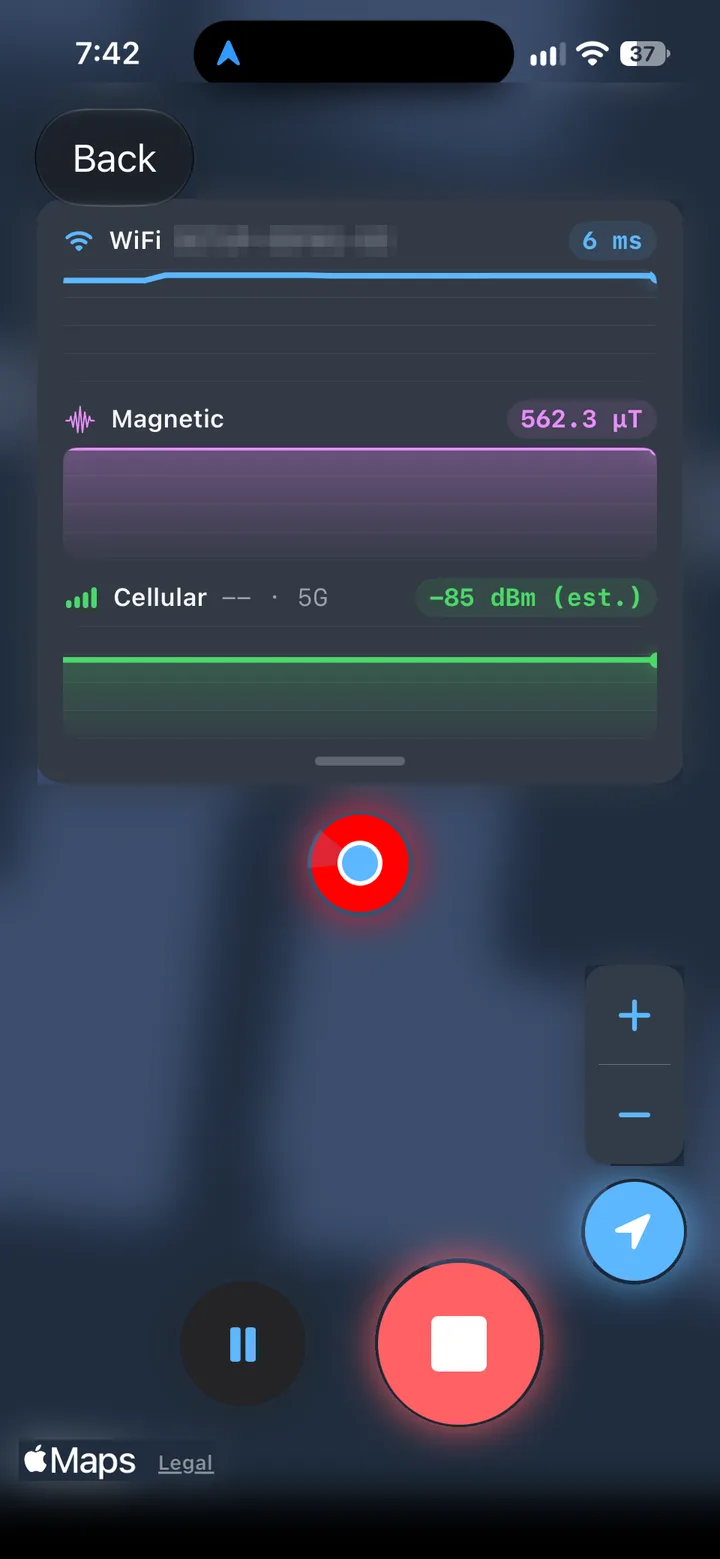
A live survey 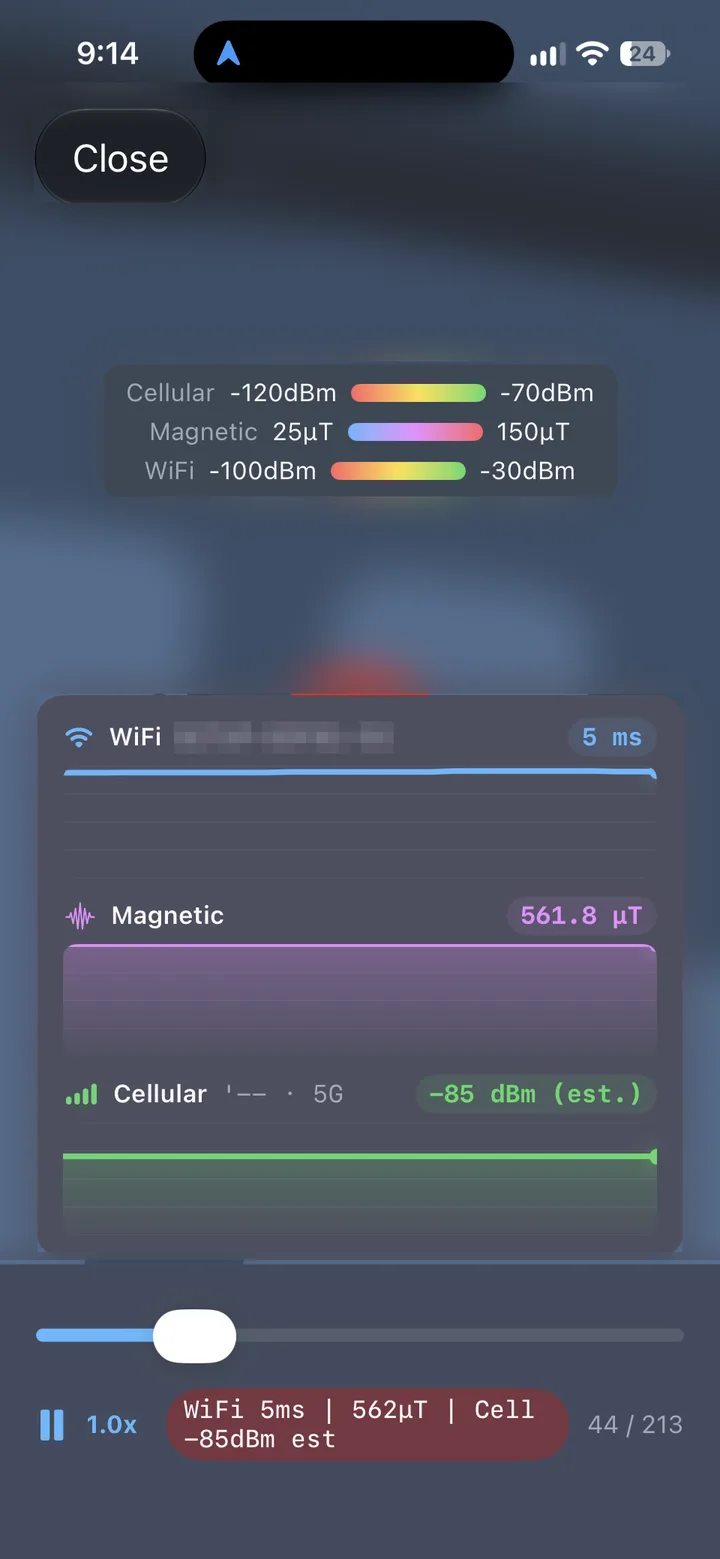
Survey replay 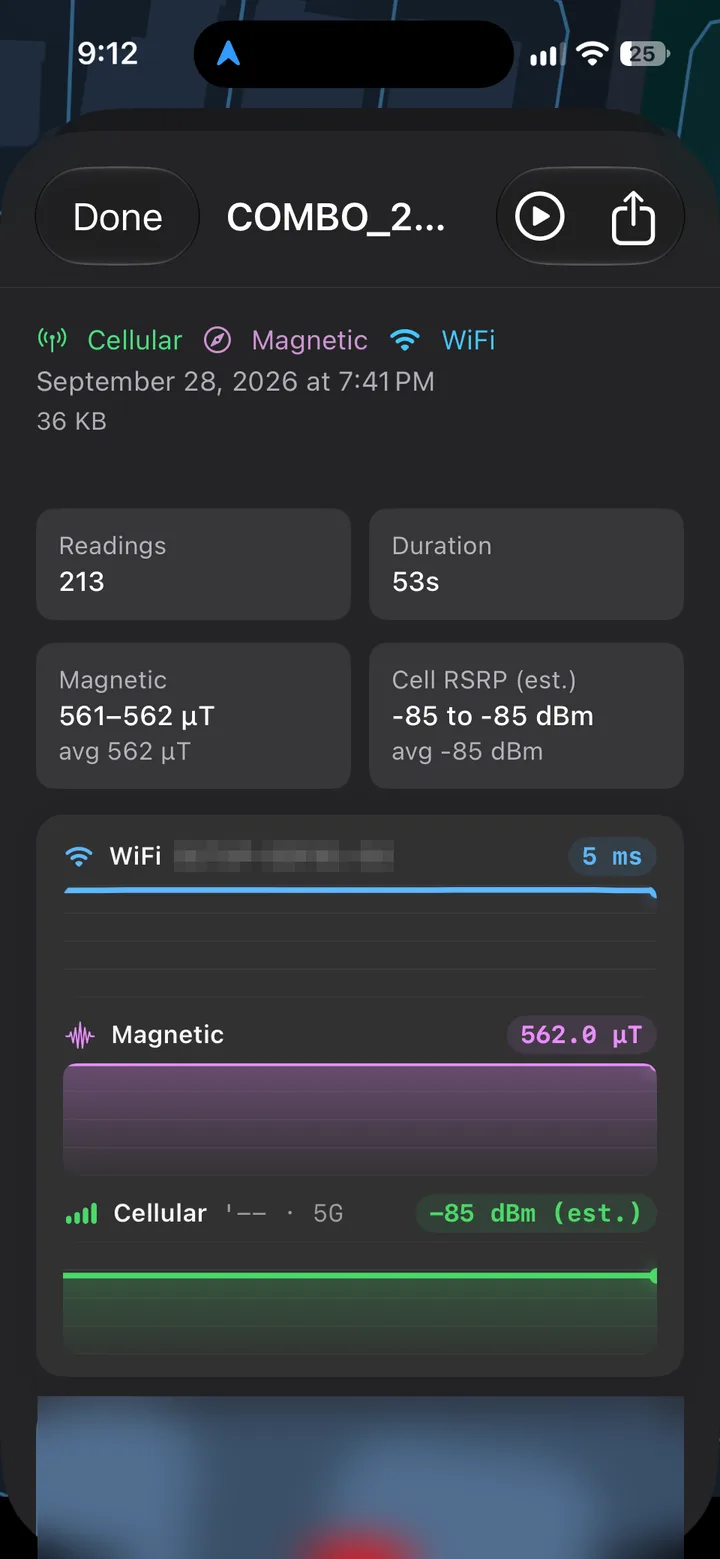
Survey detail 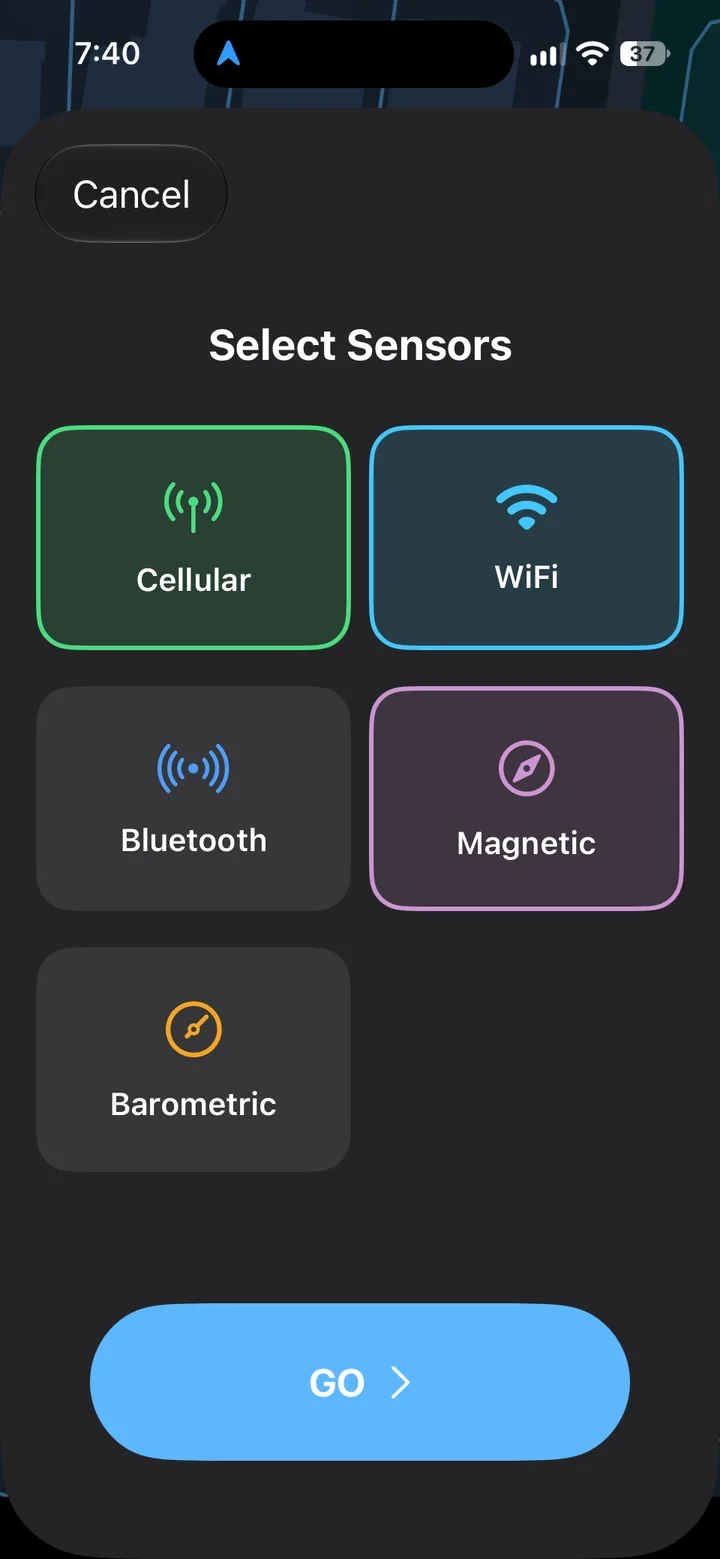
Choose what to survey
What No iPhone App Can Show
iOS does not give third-party apps the iPhone's measured signal strength (RSRP), its signal quality (RSRQ and SINR), or the ID of the cell it is connected to. Asked for exactly these values on Apple's developer forums in 2026, an Apple engineer answered: “No public API provides the level of information you're describing.”
So any iPhone app that shows your signal in dBm is estimating it. Cell Surveys says so on screen: the iPhone app labels its cellular level as an estimate, which is good enough to tell a strong spot from a dead one. Why no iPhone app can show real dBm.
See the Real Number: Field Test Mode
Every iPhone has a hidden diagnostic screen with the measured values. It is a spot check: no history and no map.
Open the Phone app's keypad
The same keypad you dial a number from.
Dial *3001#12345#* and tap Call
Both asterisks and both pound signs. Field Test Mode opens instead of a call.
Find RSRP
That is the signal strength in dBm; RSRQ and SINR (or SNR) show its quality. Apple moves these between iOS versions, so look for the labels rather than a fixed menu.
Reading it: for LTE and 5G, an RSRP better than −90 dBm is good, −90 to −100 dBm is fair, −100 to −110 dBm is poor, and below −110 dBm is effectively no usable service. The full how-to for iPhone.
Get Started in Three Steps
Install and sign in
Free on the App Store. Sign in with Apple, Google, or an email address.
Allow location Always
With While Using the App, the app records only while it is open on screen. Always lets it map your signal in the background.
Walk or drive, then look at the map
Squares fill in as you move. For the best estimate, turn Wi-Fi off: iOS lets the app time the cellular connection only while cellular is the active one.
Then turn on Everyone's coverage in Settings, next to Data Collection Consent, to see your carrier's crowd map under your squares. How the apps compare: cell signal apps compared.